
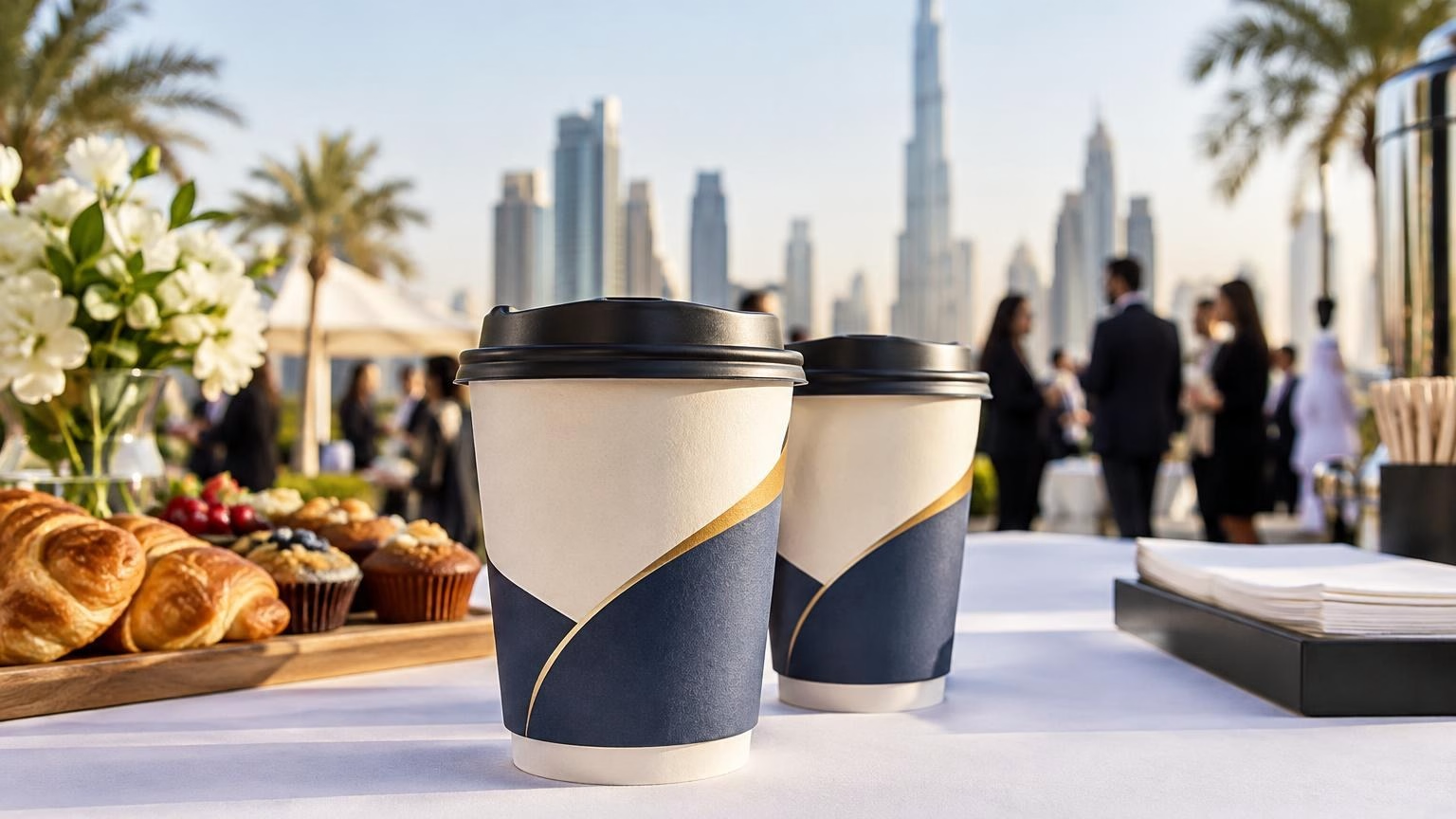
أكواب ورقية مزدوجة الجدار مطبوعة للفعاليات في دبي: دليل الاختيار
تعرّف على كيفية اختيار الأكواب الورقية مزدوجة الجدار المطبوعة لخدمات القهوة والضيافة في فعاليات دبي، وما الذي ينبغي مراجعته في المقاس والتصميم والكمية قبل الطلب.
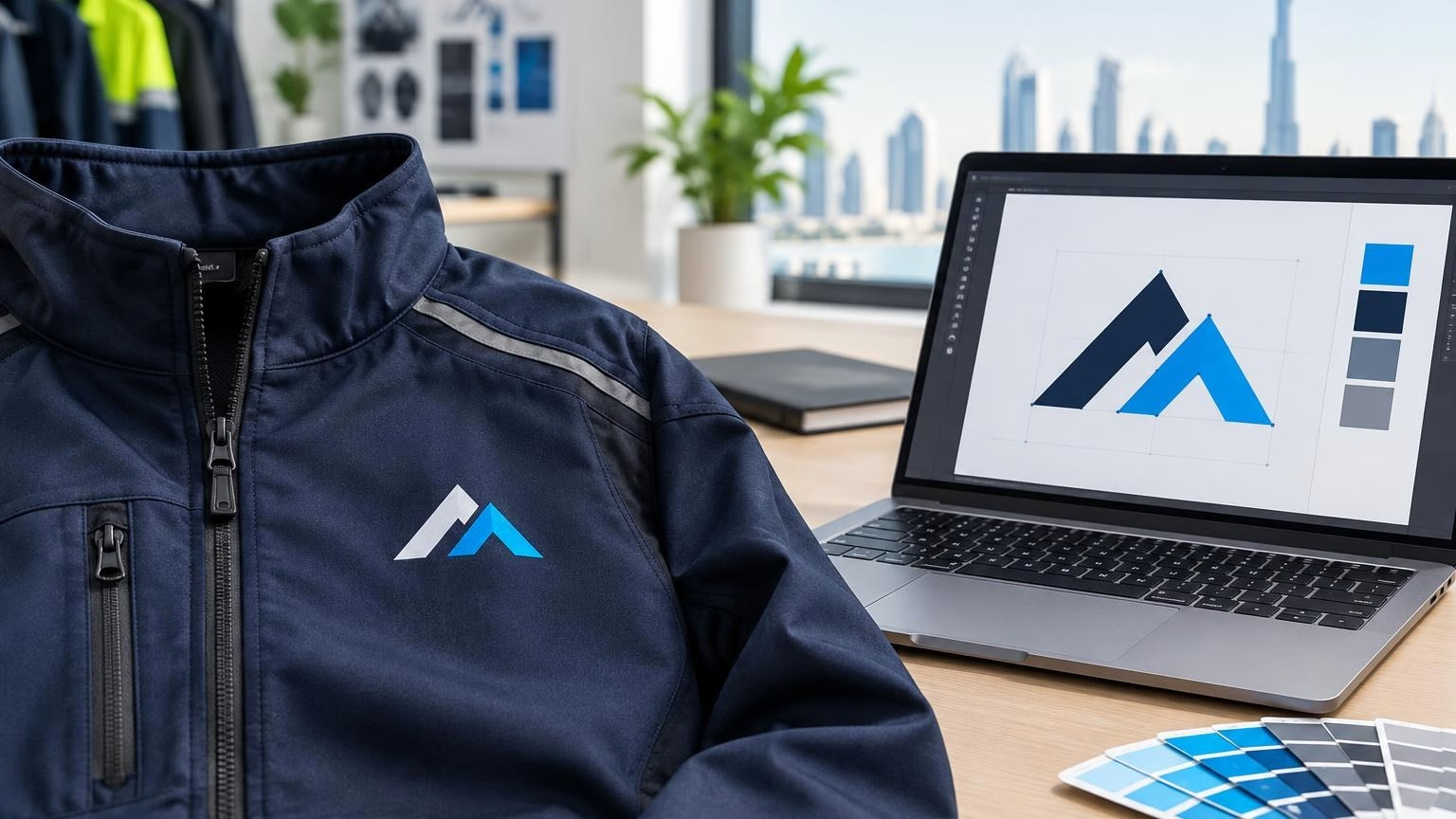
To prepare logo artwork for jacket printing in the UAE, start with a clean, high-quality logo file, confirm the intended garment and placement, and ask the printer for its artwork requirements before finalising the design. Check that the logo remains legible at its actual size and has enough contrast against the jacket colour.
The right file depends on the production method and garment. A logo prepared for one type of customisation may need changes for another, so do not assume that a file is production-ready just because it looks sharp on screen. Confirm the accepted formats, colour requirements and final dimensions before approval.
Quick answer: Send the original logo file where possible, use vector artwork if available, check small details and colour contrast, specify the jacket and placement, and approve a final proof before production.
Jacket artwork should be designed around how the garment will be used and who will wear it. A uniform for staff, a team jacket and an event giveaway can have different branding priorities. The wearer, setting and intended use affect what information belongs on the garment and how prominent the logo should be.
Before preparing the final file, note:
These details help the printer assess the design in context. They also reduce the risk of approving a logo that looks suitable on a screen but is difficult to read on the selected garment.
A vector logo is often the most flexible starting point because it can usually be scaled without becoming pixelated. Common vector formats include PDF, AI and EPS, but the printer should confirm which formats it accepts. If the logo is only available as an image, send the original, highest-quality file rather than a small image copied from a website or messaging app.
| Artwork type | What to check |
|---|---|
| Vector artwork | Confirm the file opens correctly and includes the intended logo version, colours and layout. |
| Raster image | Use the original high-quality image and check that it remains sharp at the planned size. |
| Text or tagline | Check spelling and legibility, and ask whether text should be converted to outlines or supplied with fonts. |
Do not rely on a screenshot or a low-resolution preview as the production file. If you are unsure which version is original, send the available options and ask the printer to identify the most suitable one. For general file-preparation principles, see how to prepare signage artwork for print; jacket requirements should still be confirmed separately.
A logo that looks clear when enlarged on a computer may lose detail when reduced for a jacket. Inspect it at the intended output size, not only at screen zoom. Fine lines, very small text, narrow gaps and intricate symbols can become difficult to distinguish, depending on the garment and production method.
If a simplified logo version exists in your brand kit, compare it with the standard version at the intended size. Do not redraw or alter brand artwork without approval from the person responsible for your identity.
Logo colour needs to work with the chosen jacket, not just with a white page. A dark logo may disappear on a dark garment, while a light logo may have limited contrast on a pale one. Preview the artwork on the actual jacket colour and make sure the important parts remain easy to recognise.
Screen colours are not a reliable guarantee of the finished appearance. Display settings and the production process can affect how colours look. Ask the printer which colour specifications it needs and whether it can provide a proof for review. If exact brand colour matching matters, provide the approved brand references and confirm how they will be handled.
Prepare a reversed or single-colour logo only if it is an approved brand option. Avoid changing colours based solely on a screen preview, and do not assume that every colour can be reproduced identically on every garment.
Choose a placement that suits the jacket’s design and the way it will be worn. A chest logo is a common consideration for team and staff clothing, while back or sleeve artwork may be appropriate for some designs. Seams, pockets, zips and panels can affect the usable area, so assess the garment rather than positioning the logo on a blank rectangle.
Decide the intended placement and approximate dimensions, then confirm them with the printer. A visual mock-up can help stakeholders understand the scale and position, but it should not replace the production proof. For more on comparing chest, back and sleeve locations, read Where to Place a Logo on Printed Jackets in the UAE.
If the order includes different jacket sizes, ask how the logo position and size will be managed across the size range. A placement that looks balanced on one sample layout may need review for other garment sizes or styles.
“Jacket printing” can refer to different ways of applying branding, and artwork needs may vary by method. Do not assume a particular printing or embroidery option is available for a given jacket. Confirm the options for your chosen garment with IWPrinting and ask for the relevant file instructions before signing off the artwork.
If embroidery is being considered, ask whether a separate digitised file is required and how small details should be treated. If another method is selected, ask about its accepted file format, colour setup and artwork limits. These checks help ensure the file is prepared for the intended process rather than for a different kind of product.
Before approval, compare the proof with your original brand artwork and order information. A careful review should cover the logo itself and how it appears on the jacket.
Keep the approved proof and final artwork together with the order details. If you need several logo versions or garment colours, label the files clearly so the correct artwork is associated with each option.
A concise brief gives the printer the information needed to review the artwork. Include the logo file, jacket colour and style if known, intended placement, approximate size, quantity and size breakdown, plus the selected customisation method if already agreed. Note any brand-colour requirements or special approval steps.
For a Dubai or UAE order, plan these details before requesting production so the artwork and garment choices can be reviewed together. Quantity and size planning should reflect the people who will wear the jackets; confirm the final breakdown and any order-specific requirements directly with the supplier. Do not assume that a proof, sample or particular production option is included unless it has been confirmed.
A vector file such as PDF, AI or EPS is often a good starting point because it can be resized without losing sharpness. If you only have a raster image, send the highest-quality original and confirm that it is suitable at the intended print size. Ask the printer which formats and specifications it accepts before preparing the final file.
Do not assume one colour mode is right for every jacket printing process. RGB artwork may be converted for production, and the result can differ from an on-screen preview. Ask the printer for its preferred colour mode and any garment-specific colour guidance, then check the proof against your brand colours before approving.
The same logo may not be equally clear on every jacket colour. Check contrast between the artwork and garment, and prepare an approved light or dark logo version if your brand guidelines allow it. Confirm the final artwork against the selected jacket colour rather than judging it only on a white screen.
There is no single correct logo size for every jacket, placement or production method. Decide where the logo will sit, who will wear the jacket and how it should look at normal viewing distance. Share the intended placement and garment details with the printer and confirm the final dimensions on a proof or layout.
Possibly. Printed artwork and embroidery can have different preparation requirements, and an embroidery provider may request a digitised stitch file rather than a standard logo image. First confirm which customisation methods are available for your order, then follow the provider’s instructions for the chosen method.
A clear logo file, a suitable jacket colour, considered placement and a checked proof are the essentials for preparing jacket printing artwork in the UAE. If you are planning branded jackets for a Dubai team, staff group or event, contact IWPrinting with your artwork and garment details to confirm the relevant file requirements and available customisation options.
تعرّف على كيفية اختيار الأكواب الورقية مزدوجة الجدار المطبوعة لخدمات القهوة والضيافة في فعاليات دبي، وما الذي ينبغي مراجعته في المقاس والتصميم والكمية قبل الطلب.
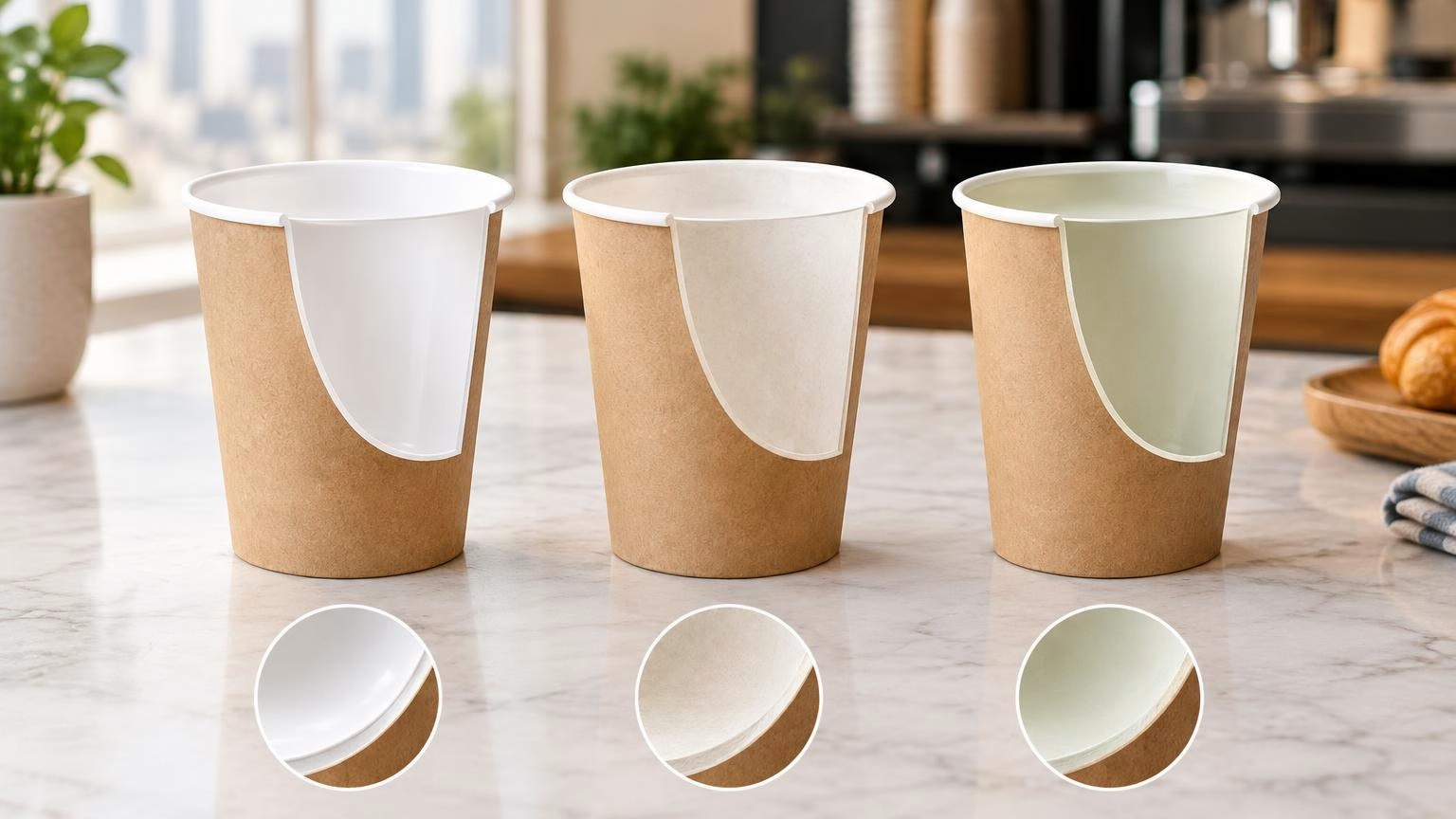
Choosing a paper cup lining means balancing beverage performance, branding needs and end-of-life options. Compare PE, PLA and water-based coatings, and learn what UAE buyers should confirm with a cup supplier.
I can help you find the right printing, corporate gifts, signage and display products. Tell me what you need, your quantity, and your budget if you have one.
WhatsApp us