
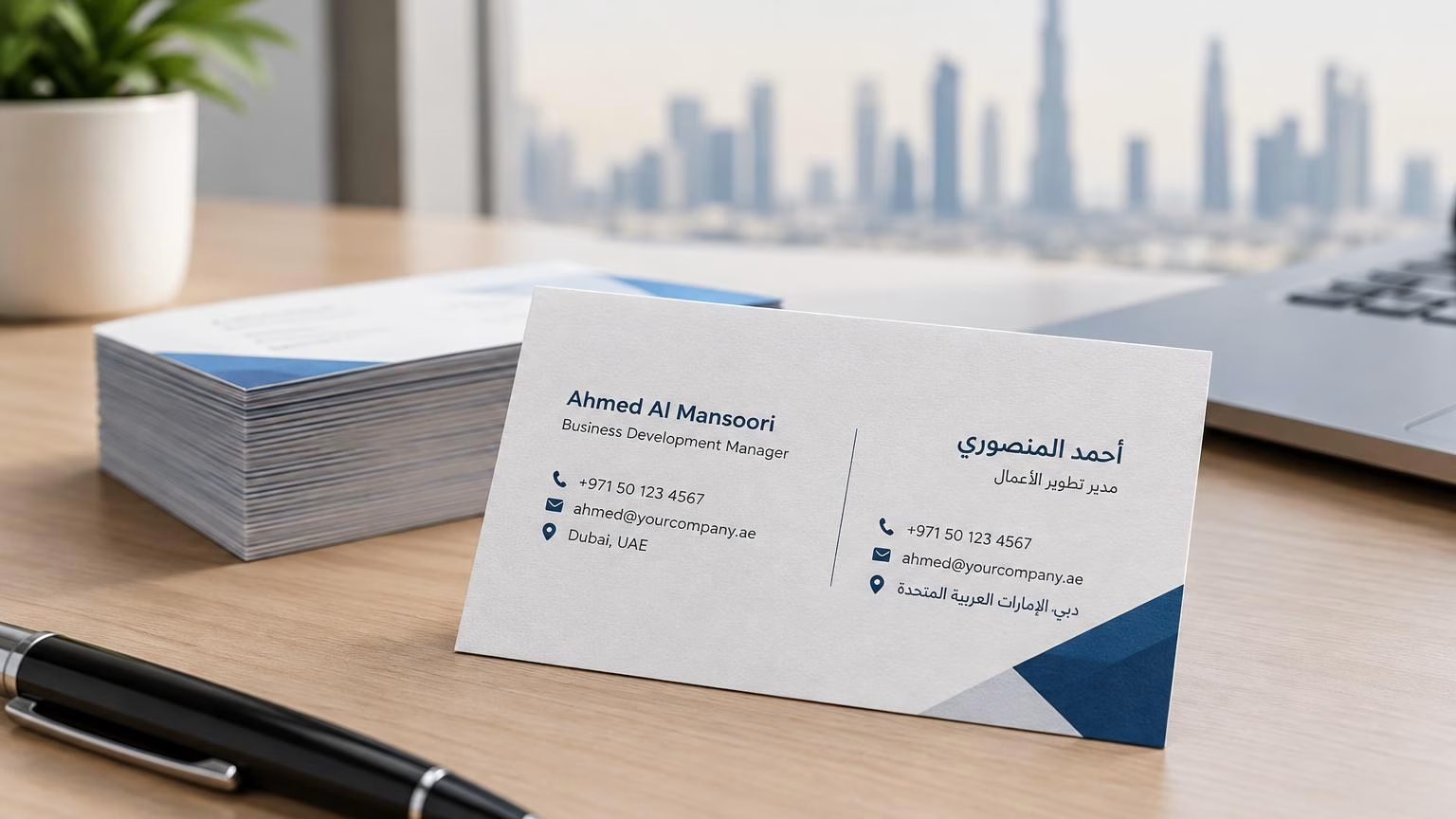
阿联酋阿拉伯语与英语双语名片印刷:排版与校对指南
阿联酋双语名片要同时照顾阿拉伯语从右向左阅读、英语从左向右阅读的习惯。本文介绍版面规划、姓名与联系方式校对、印前文件检查及印量安排,帮助迪拜及阿联酋企业减少常见错误。

An invoice book is one of the few printed items that moves directly from a completed job to a payment request. That is why learning how to design invoice books is not simply a branding exercise. A well-designed book helps your staff record the right details, gives customers a clear document to approve, and presents your business as organized from the first transaction.
For delivery teams, contractors, retailers, service providers, and growing small businesses, a physical invoice book remains useful even when accounting software handles the final records. It works on-site, in vehicles, at temporary locations, and anywhere a quick signed paper trail is needed. The key is to design it around the way your team actually works.
Before selecting colors, paper, or a cover finish, decide where and when the book will be used. A plumbing company issuing invoices at customer locations needs larger writing areas and durable duplicate pages. A retail supplier may need compact books that fit behind a counter. A business that sells products and services may need separate fields for labor, quantities, and delivery charges.
Think through the full handoff. Who writes the invoice? Who receives the original? Does a manager keep a copy? Will the office enter the information into accounting software later? These answers determine the size, number of copies, numbering system, and fields you need.
Avoid adding sections just because they appear on another company’s invoice. Every unnecessary box makes the form slower to complete. A simple invoice that captures all required information is usually more valuable than a crowded form with dozens of optional fields.
The most effective layouts guide the eye from business details to customer details, then to the order and payment total. Keep related information together and leave enough white space for handwriting. A cramped invoice can lead to wrong quantities, unreadable notes, and delayed payment questions.
Place your business logo, company name, phone number, email address, and business address at the top. Include any relevant tax registration number, license number, or reference details your customers require. Your contact information should be easy to find, not reduced to tiny type beneath the logo.
Below the header, reserve a clear area for the invoice number and date. These are essential for filing, follow-up, and payment tracking. Customer details should come next, with space for the customer name, company name if applicable, phone number, billing address, and delivery address when it differs.
The center of the page needs a table that makes calculations easy to understand. Most businesses need columns for description, quantity, unit price, and line total. Depending on your work, you may also need unit of measure, discount, tax, or job reference fields.
Do not make the description column too narrow. It should accommodate a useful explanation of what was supplied or completed, especially for service businesses. A vague line such as “repair work” creates room for disputes. “Replace water pump, parts and labor” is much easier for the customer and office team to recognize later.
At the bottom, give totals priority. Clearly separate subtotal, discount, tax, delivery charge, deposit received, and balance due where relevant. Use bold labels or a shaded total area so the payable amount stands out immediately.
A4, A5, and DL-style formats can all work, but the right option depends on the information you need to capture. A5 invoice books are a popular practical choice because they are portable while still leaving enough room for itemized billing. A4 works well for larger orders, detailed scopes of work, or invoices that need several line items.
A smaller format can reduce print costs and fit more easily in a vehicle or uniform pocket. The trade-off is less writing space. If your team regularly adds notes, terms, or multiple products, forcing everything onto a small page will hurt usability.
Decide whether the book should be portrait or landscape. Portrait is familiar and compact. Landscape can provide a wider item table, which is useful for product-heavy invoices. Ask your printer for a proof before committing to a large run, particularly if staff will write on the form by hand.
For most businesses, duplicate invoice books are the practical default. The original goes to the customer, while the duplicate stays in the book for office records. Triplicate books add a third copy, which can be useful when the sales team, warehouse, and accounts department each need a record.
Carbonless NCR paper is the standard option for multi-part invoice books. Writing pressure on the top sheet transfers the information to the sheets below, removing the need for separate carbon paper. Specify clearly how you want the copies labeled, such as Original, Customer Copy, Office Copy, or Delivery Copy.
Paper color can make the copies easier to sort. For example, the original may be white, the office copy yellow, and the warehouse copy pink. Keep the printed text dark and readable on every sheet. Light ink colors may look attractive on screen but can become difficult to read after repeated handling.
Sequential numbering is not a minor production detail. It helps businesses track issued invoices, identify missing documents, and reconcile payments. Each invoice number should be unique and printed in a consistent location, usually near the date field or top right corner.
Numbering can be straightforward, such as 0001 through 0050 in each book, or it can include a prefix for branch, department, or year. A format such as DUB-2026-0001 may help businesses with multiple teams, but overly complex codes can slow down manual entry. Use a system your staff can follow without second-guessing.
If you order several books, discuss number ranges before printing. Duplicate numbers across books create avoidable accounting problems. Numbered books also make reordering easier because you can continue from the next available sequence.
Your invoice should look like part of your wider business identity. Use your approved logo, brand colors, and type style, but prioritize legibility over decoration. Strong branding reassures customers that the invoice is genuine and makes the document easier to recognize among receipts, delivery notes, and purchase records.
Color printing is useful for a logo, header band, and key section labels. It does not need to cover every inch of the page. A clean one- or two-color design can look highly professional, control printing costs, and leave handwritten information easy to read.
Keep the reverse side purposeful. It can carry payment terms, return conditions, bank details, service notes, or a short thank-you message. If your customers need to make payment by bank transfer, include the correct account details in a clear format and establish a process for updating them when necessary.
Invoice books receive more wear than a brochure or flyer. They are opened repeatedly, carried between locations, and often stored in vehicles or drawers. A sturdy cover protects unused sets and helps the book retain a professional appearance until the final page is used.
For multi-part forms, the top sheet needs to accept handwriting cleanly while transferring enough pressure to the copies underneath. A writing shield is also useful. It sits beneath the active set and prevents writing from transferring onto later invoices.
Binding matters as well. Stapled and glued invoice books are common, dependable options for standard use. Perforation makes it easier to remove the customer copy cleanly while leaving the record copy attached. If your team works quickly in the field, this small production choice can save time and reduce torn pages.
Payment terms reduce confusion after the invoice is issued. State whether payment is due on receipt, within a specified number of days, or upon completion of the job. If deposits, late fees, delivery terms, or warranty conditions apply, write them in plain language.
The front page should not become a wall of small print. Use short terms on the invoice itself and reserve longer policies for the reverse side or a separate document. If a contract governs the work, reference the relevant job or purchase order number instead of trying to reproduce every condition.
A signature field is worth considering for on-site work, deliveries, approvals, or deposits. Label it clearly so the customer understands whether they are confirming receipt, accepting work, or authorizing payment.
A spelling mistake on an invoice book is repeated on every set. Before approving production, check contact details, tax information, invoice number range, totals formula, payment instructions, and copy labels. Print a sample at actual size and ask someone who will use it daily to complete a mock invoice.
This test often reveals practical issues that a screen proof misses: a narrow description field, insufficient room for signatures, faint copy transfer, or totals placed too close to the page edge. Correcting the layout before the full run is faster and more affordable than replacing finished books.
For custom NCR invoice books, IWPrinting.com can help turn your logo, required fields, numbering, and copy requirements into a print-ready format. The best result comes from sharing how your invoices move through your business, not only sending a logo file.
A good invoice book earns its place every time a customer asks, “What is this payment for?” Design it so the answer is clear at a glance, the record is easy to keep, and your business looks ready for the next order.
阿联酋双语名片要同时照顾阿拉伯语从右向左阅读、英语从左向右阅读的习惯。本文介绍版面规划、姓名与联系方式校对、印前文件检查及印量安排,帮助迪拜及阿联酋企业减少常见错误。
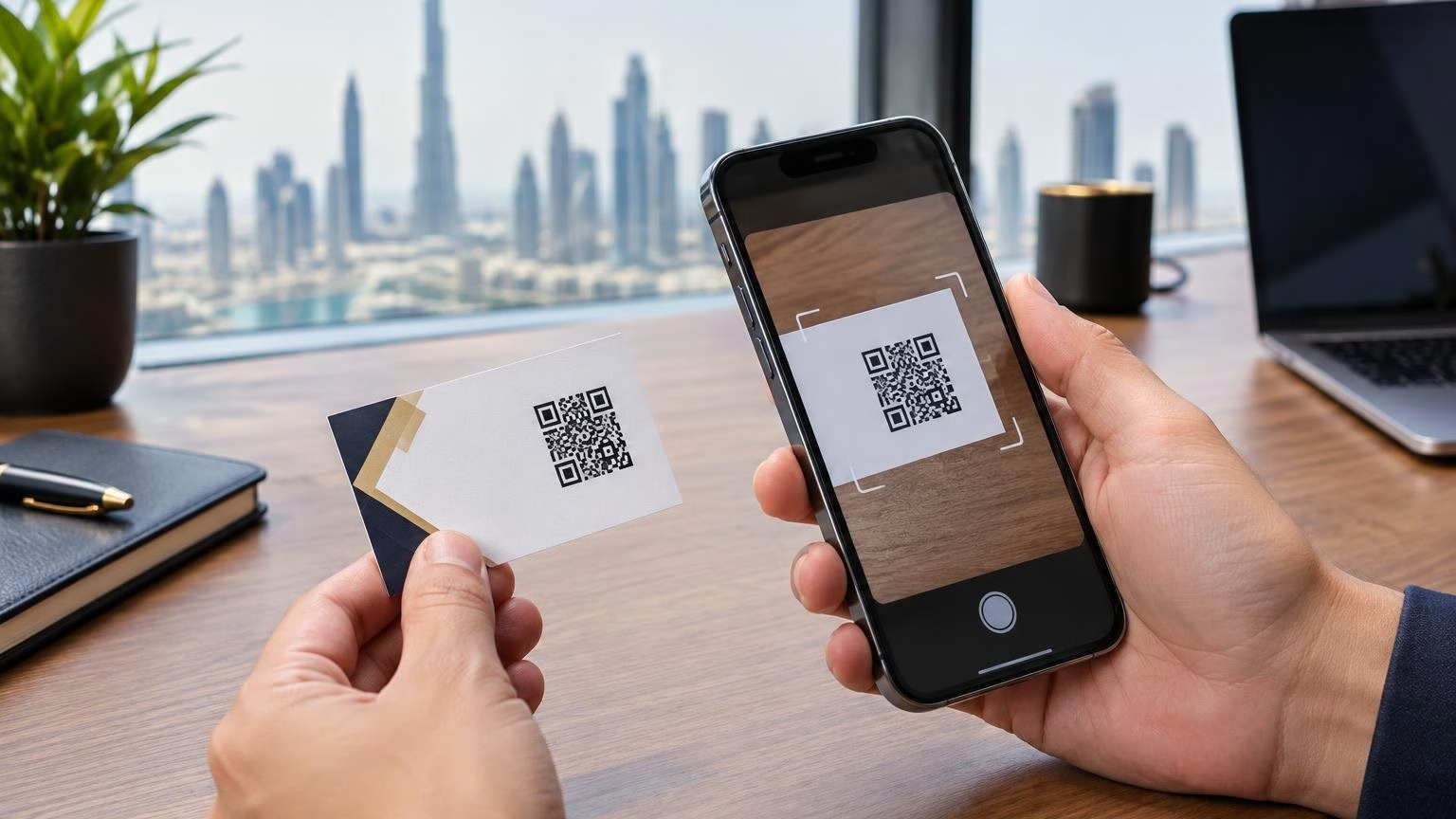
A QR code can make a business card a useful bridge to your digital presence. Learn what to link, how to prepare the artwork and how to test scanability before printing in Dubai or elsewhere in the UAE.
I can help you find the right printing, corporate gifts, signage and display products. Tell me what you need, your quantity, and your budget if you have one.
WhatsApp us