
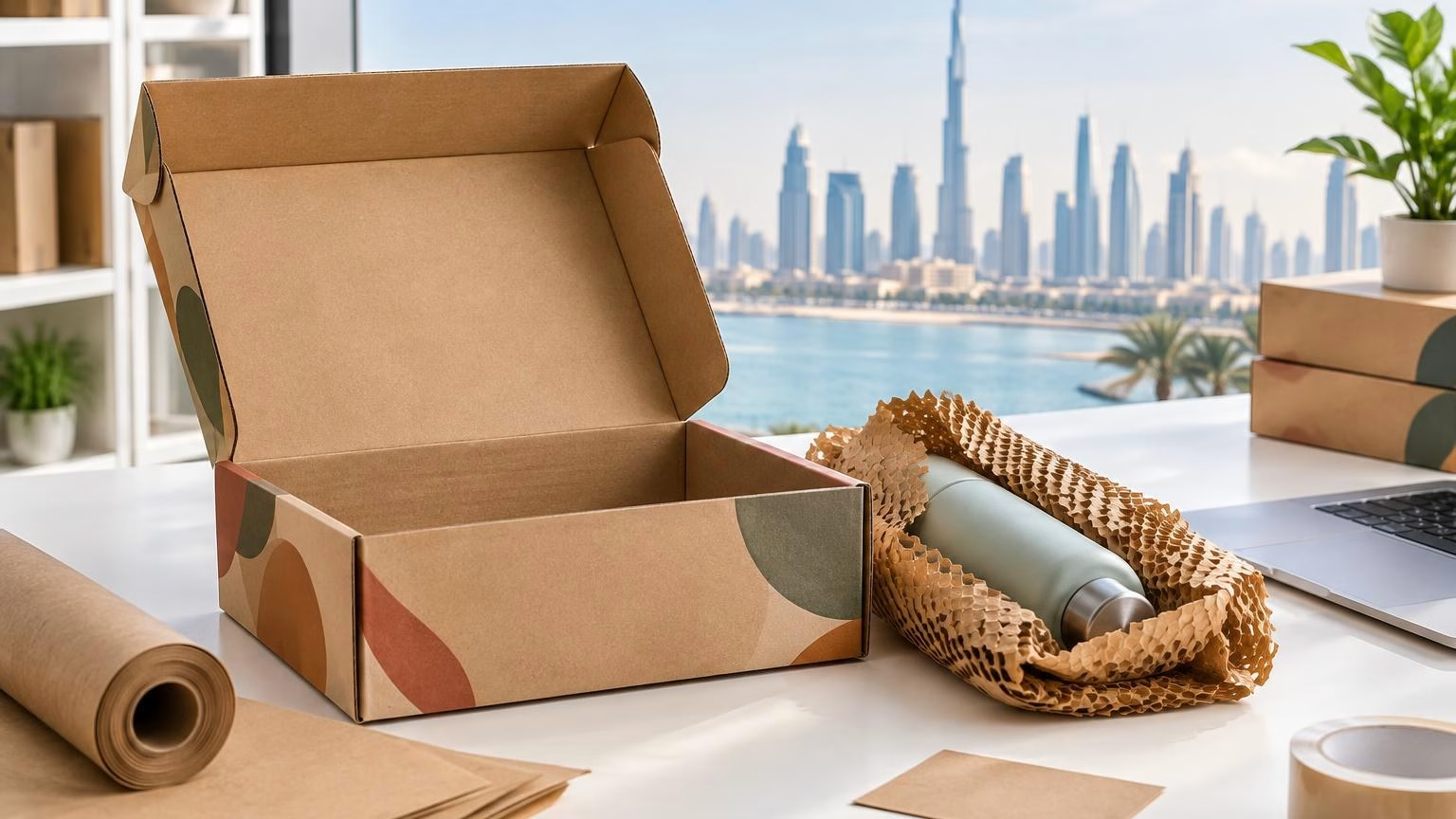
How to Choose Custom E-commerce Mailer Boxes in the UAE
A practical guide to selecting e-commerce mailer boxes for your product, delivery journey and brand, with key questions to settle before requesting a quote.
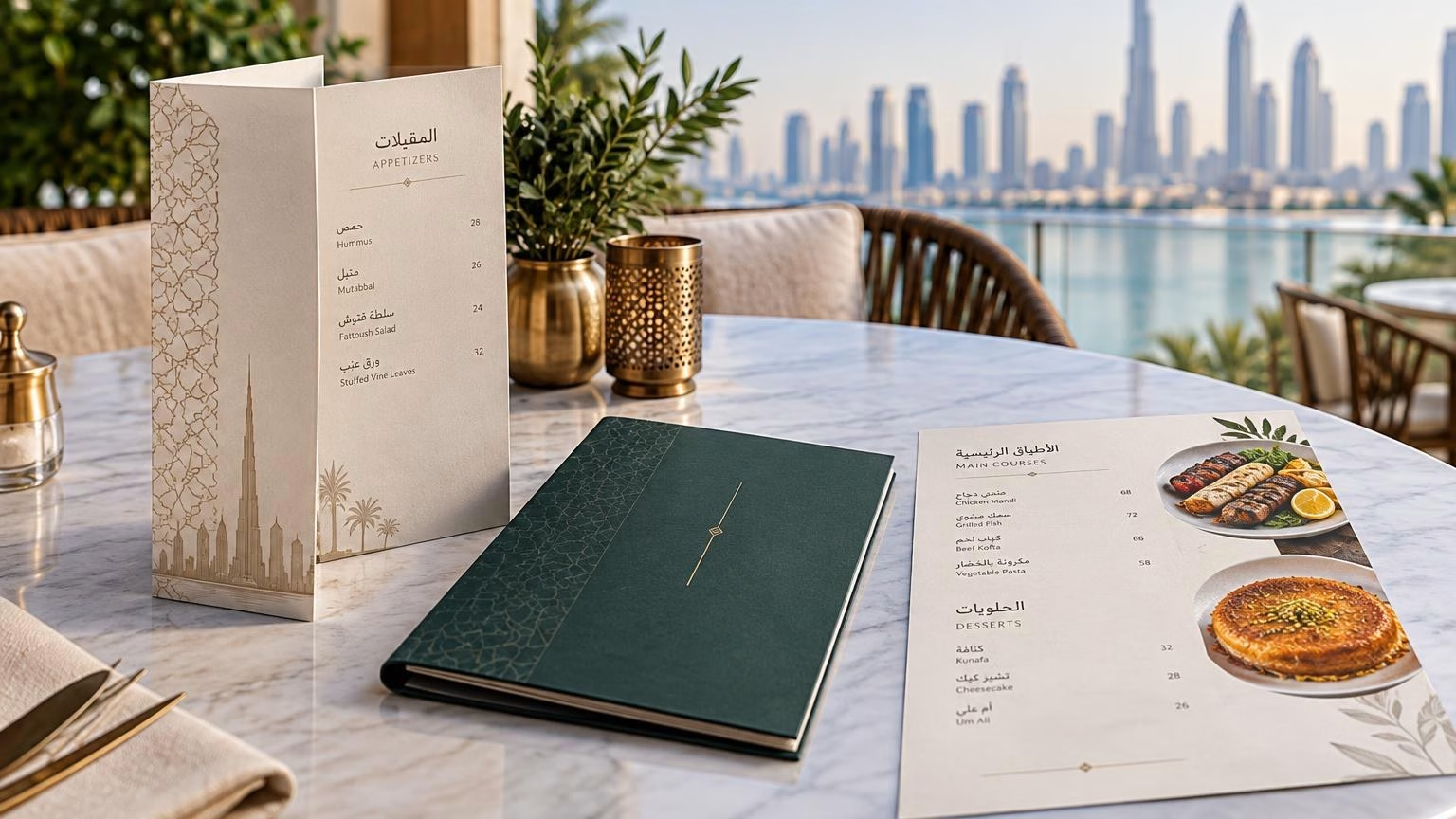
The right restaurant menu printing in Dubai starts with how guests will use the menu: at a table, at a counter, outdoors or as a takeout insert. Choose a format that suits the number of dishes and how often they change, then select a finish that supports the look and handling needs of your restaurant.
Common menu formats include single sheets, folded menus, booklets and replaceable inserts. Paper or card and finishing options should be confirmed with the printer for the specific job; availability and suitability can vary. The best choice balances readability, brand style, upkeep and the cost of reprinting when your menu changes.
A menu is both a practical ordering tool and a piece of restaurant branding. Its format should help customers find dishes and prices quickly without making the menu awkward to hold, read or maintain.
A single sheet can work well for a concise selection, a daily special or a focused drinks list. It keeps the information together and can be useful when the selection is stable. Plan the layout carefully: fitting too many items onto one page can make descriptions and prices harder to scan.
A folded format offers more space than a single sheet while remaining relatively compact. It can separate sections such as starters, mains and drinks. Check the panel order and folds in the artwork, and make sure important information does not sit too close to a fold.
A booklet can organise a wider selection across sections or pages. It may suit restaurants with extensive food and drink choices, but guests should be able to find key categories without unnecessary searching. Check page sequence and whether a change to one section would require reprinting the whole menu.
An insert can be useful for seasonal dishes, promotions or prices that change more often than the main menu. Ask how an insert can be held or presented with the main menu and whether its dimensions and finish can be matched. Keep the main menu and insert visually consistent so the updated information feels intentional.
Use this comparison as a starting point. It describes general format considerations, not a specification of IWPrinting’s available products; confirm options for your order.
| Format | May suit | Planning consideration |
|---|---|---|
| Single sheet | Short menus, specials or focused lists | Prioritise readable type and clear grouping |
| Folded menu | Several menu sections in a compact format | Allow for folds and panel order in the artwork |
| Booklet | Longer menus with multiple categories | Review page order and future update needs |
| Insert or replacement page | Seasonal items or frequently updated content | Plan how it will fit with the main menu |
The finish affects how the menu looks and feels, and may influence how it stands up to handling. The specific paper, card and finishing choices available should be confirmed with your printer rather than assumed.
Matte finishes often give a quieter, less reflective appearance, while gloss can make colour and food photography look more vivid. Think about the menu’s lighting and visual style. Request guidance or a sample if available, especially when photography or brand colours are central to the design.
Menus in busy dining areas may be handled repeatedly and exposed to spills. A suitable finish may help with upkeep, but do not assume that any coating or laminate is waterproof, stain-proof or suitable for a particular cleaning method. Ask the printer what is available, how the finished menu should be cleaned and whether it fits your use case.
For takeaway presentation, menus and packaging serve different purposes. See IWPrinting’s restaurant packaging design guide for related packaging considerations.
Menu design should feel consistent with the restaurant’s wider identity, from the logo and colour palette to the tone of dish descriptions. A premium dining room may call for restrained typography and a considered layout; a casual café may benefit from clear section labels and a more relaxed visual style. These are design directions, not fixed rules.
Use photographs selectively. Images can help guests understand a dish, but too many can make a menu feel crowded. Keep headings, descriptions and prices easy to distinguish, and use consistent spacing so customers can compare options. If the menu is bilingual, allow enough room for both languages and account for Arabic right-to-left reading order.
For an ordering process checklist, read how to order printing online. If your restaurant also uses printed takeout or delivery packaging, the Dubai paper cup printing guide covers another part of the branded service experience.
Menu errors can confuse customers and lead to avoidable reprints. Treat the final text and proof review as part of the print job, not as a last-minute design detail.
Keep a clean, editable master file so future price or menu changes can be made consistently. Clearly label versions and remove outdated files from the approval process to reduce the risk of printing an old menu.
Estimate how many copies your restaurant uses at one time, then allow for the service layout and a practical reserve. A large dining room, counter service and a small café may each use menus differently. Count the menus needed for tables or service points and consider how often copies are misplaced, damaged or replaced.
Menu stability matters as much as the number of covers. If prices and dishes change regularly, weigh the convenience of ordering a smaller quantity against the time and cost of more frequent updates. If the menu is stable, a larger planned order may reduce how often you need to arrange a reprint, but confirm the commercial implications with the printer rather than assuming a particular price or minimum quantity.
Choose the format around how guests order and how often the menu changes. A single sheet can suit a short, stable list; a folded menu gives more room while staying compact; and a booklet can organise a broader selection. For frequently changing dishes, ask about a format that allows individual pages or inserts to be updated.
Matte can make text and photography feel understated, while gloss can make colours and images look more vivid. The right choice depends on your design, lighting and how the menu will be handled. If you need a surface that is easier to wipe, ask the printer which available finishing options suit that use and how they should be cared for.
Prepare final menu wording, prices, images, logo files and any required Arabic and English text. Check spelling, currency, dietary notes and page order before approval. Ask the printer for its current file, bleed, colour and safe-area requirements before exporting the final artwork.
Estimate how many menus are needed at one time, including those in use, at service stations and held as replacements. Consider the number of tables, the service style and whether menus are shared or issued individually. If the menu changes often, compare the practical value of printing a smaller batch with the effort of replacing outdated copies.
Yes, a bilingual design can present Arabic and English content in one menu, but the layout needs deliberate planning. Allow enough room for both languages, check Arabic right-to-left reading order and have a fluent reviewer check the final text. Review a proof at actual reading size so that headings, prices and descriptions remain clear.
Before ordering, share your menu format, intended use, artwork status and quantity with IWPrinting and ask which options are available for your needs. Review the printing order checklist or contact IWPrinting to discuss your restaurant menu printing requirements in Dubai.
A practical guide to selecting e-commerce mailer boxes for your product, delivery journey and brand, with key questions to settle before requesting a quote.
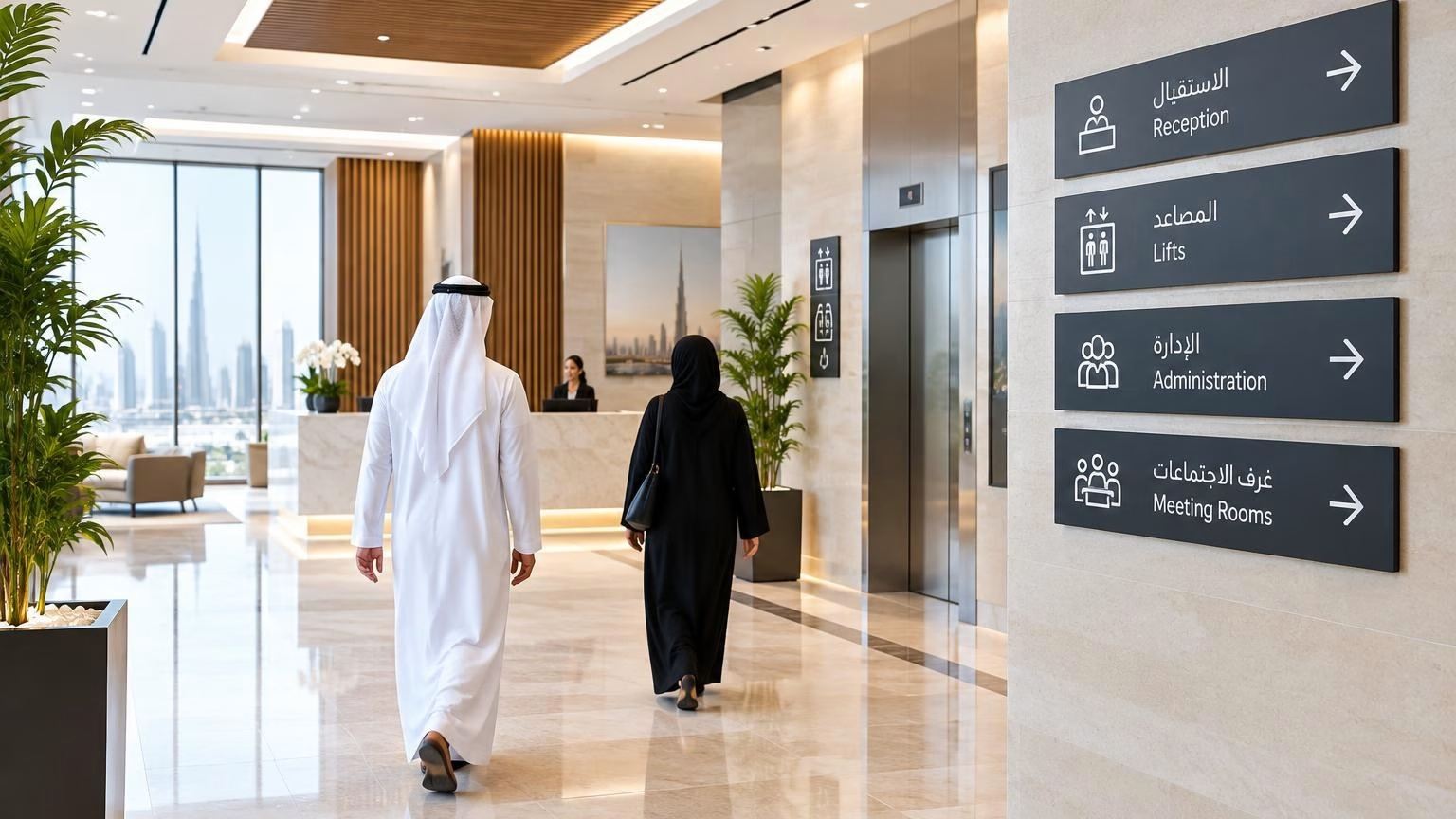
A practical guide to planning Arabic-English indoor directions in Dubai and across the UAE, from mapping visitor routes to choosing sign formats and preparing artwork.
WhatsApp us
Printing, corporate gifts and signage — tell us what you need and let AI help you find it.
Ask naturally. IWPrint AI can understand your product, quantity, budget and requirement.